Applies to: Player 5.4/5.5/5.6 for ArcGIS Pro
What Wells, Fields and Prospects appear in the Player dialogs are controlled through the Area of Interest panel in the corresponding dialog. This can be by area, either zooming in on the map or by selecting an AOI polygon. But also individual features can be selected. The following workflow shows how to select a specific set of wells to appear in the Wells dialog or Wonderwall.
- From the Layer Gallery, choose Add New > Well to add a well layer to the current map.
- Make a selection of the wells from the new layer. This can use any of the selection methods
- The Selection group on the Player tab includes Select tool to graphically select the wells, and Select By Attributes which can be used to select by well name.
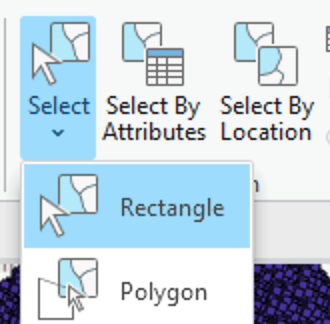
- The Selection group on the Player tab includes Select tool to graphically select the wells, and Select By Attributes which can be used to select by well name.
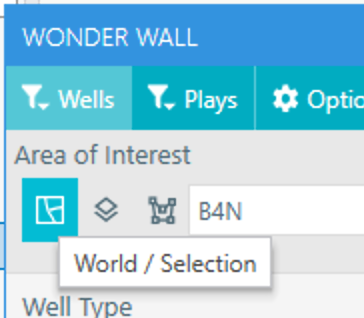
- Once the wells are selected in this layer, in the Well or Wonder Wall dialogs change to World / Selection mode in the Area of Interest.