Applies to: Player 5.4, 5.5, 5.6, 5.7 for ArcGIS Pro
If there are a small number of wells it might be easiest to add them interactively.
Interactively add Wells to a Player Project
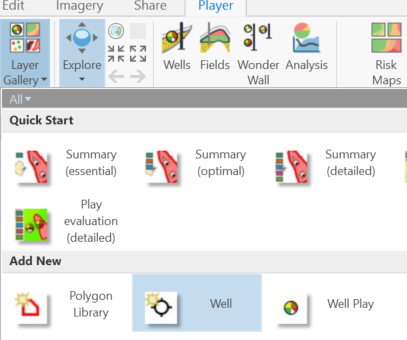
Add the well layer using the Player Layer galley Add New > Well
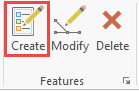
Select Create Features > select Well from the Create Features Templates > either digitize well by left-click or right-click Absolute X,Y,Z to add by coordinates. Save Edits.
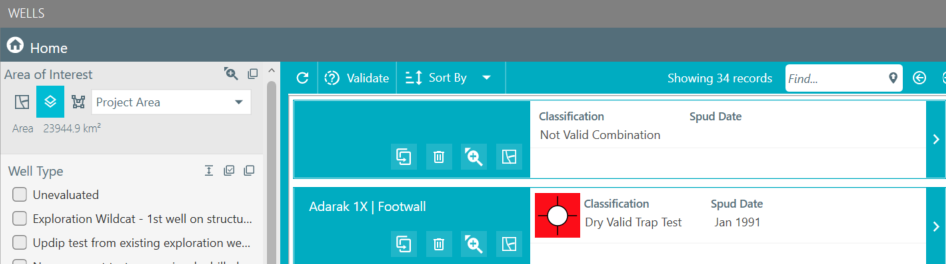
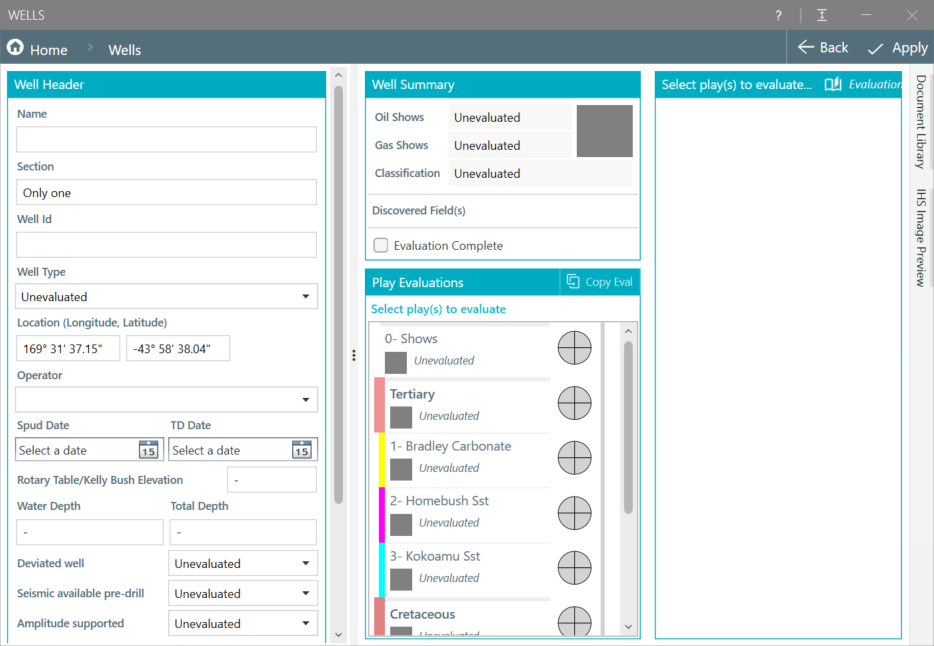
Open the Wells Dialog. The unnamed Wells will be listed and DHA information can be added.