Applies to: Player 5.4, 5.5, 5.6, 5.7 for ArcGIS Pro
Small numbers of prospect targets can be added interactively.
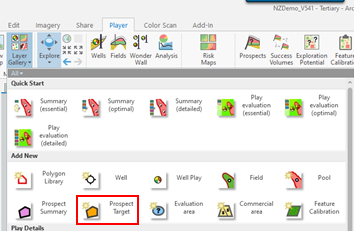
- Using the Player Layer Gallery Add New > Prospect Target
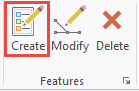
- Select Create Features
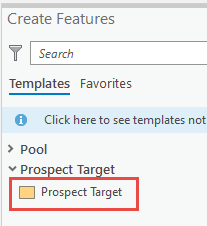
- Either, select Prospect Target from the Create Features Templates and digitize a shape,
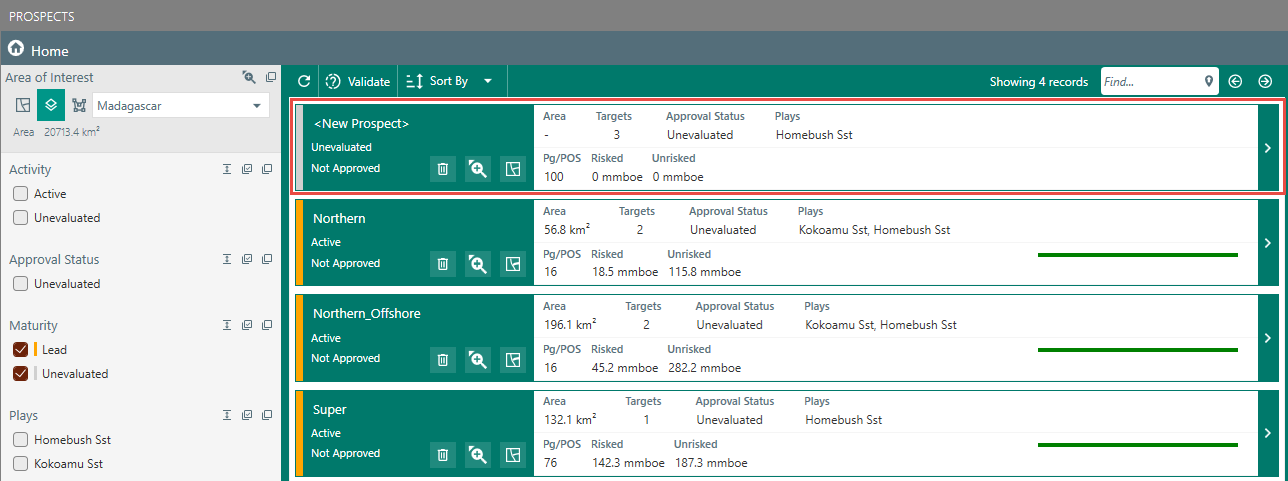
OR, copy the prospect shape from another layer and Paste Special > Layer > Prospect Target > OK > Finish 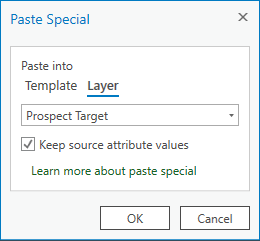 Open the Player Prospects dialog and Prospect and Target name and further details can be added