Applies to: Player 5.4, 5.5, 5.6, 5.7, 5.8 for ArcGIS Pro
Editing prospect shapes is performed with the regular ArcGIS Pro editing tools (accessible from the Player ribbon). However, we edit the target shape and then validate to update the prospect, as follows:
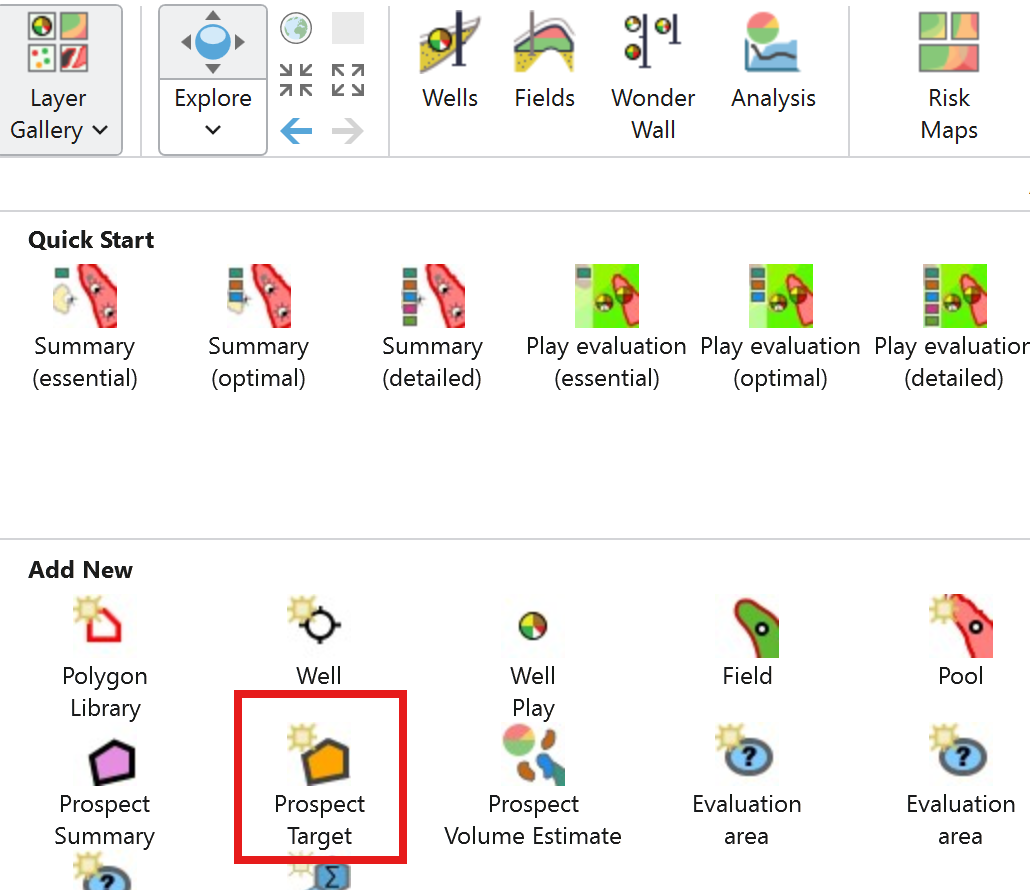
1. Add the Prospects Target layer (Layer Gallery > Add New > Prospect Targets)
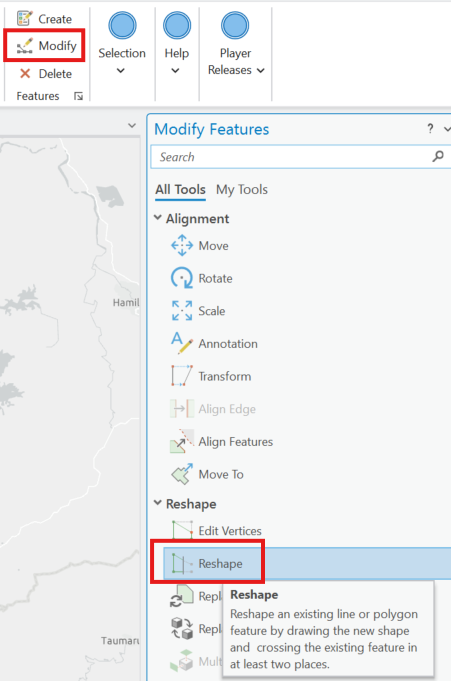
2. Select the Modify editing option and choose the Reshape Tool

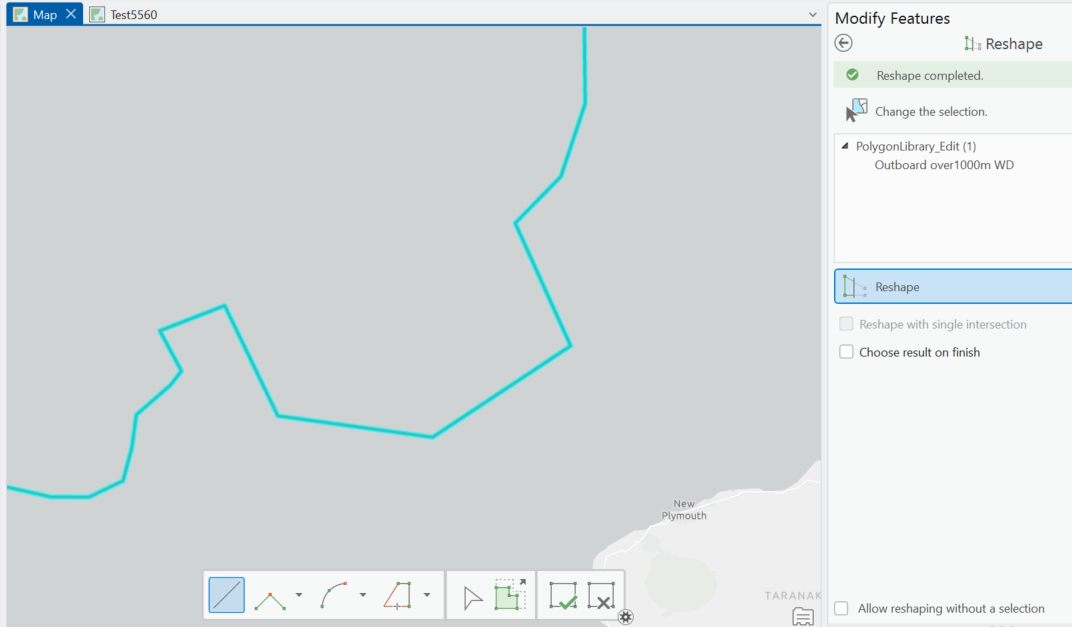
Select the target Polygon that is to be reshaped. To extend the Polygon outwards > Start digitising inside the Polygon and then create the new polygon shape then Finish the digitising inside the original polygon.
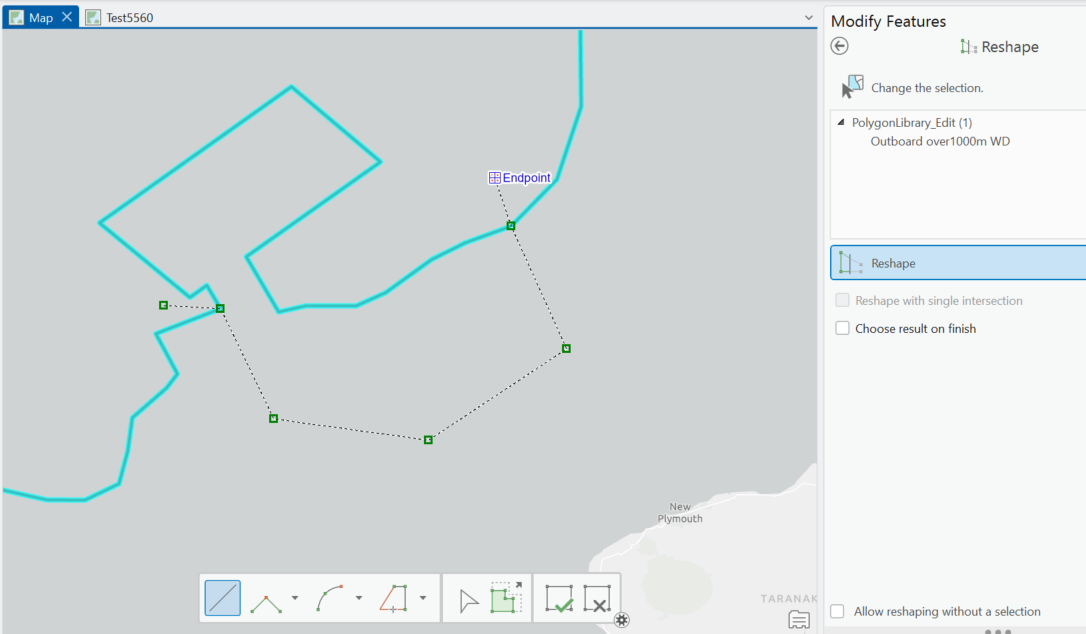
Result will look like this
To reduce the Polygon start digitising outside the Polygon then complete new shape inside the Polygon then finish outside the Polygon.
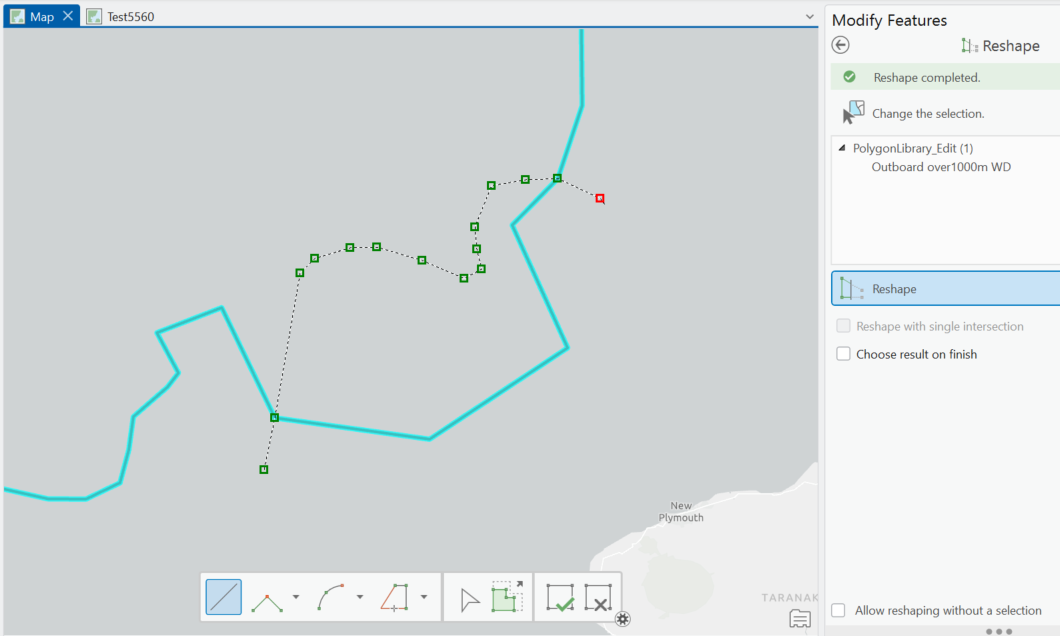
Result looks like this
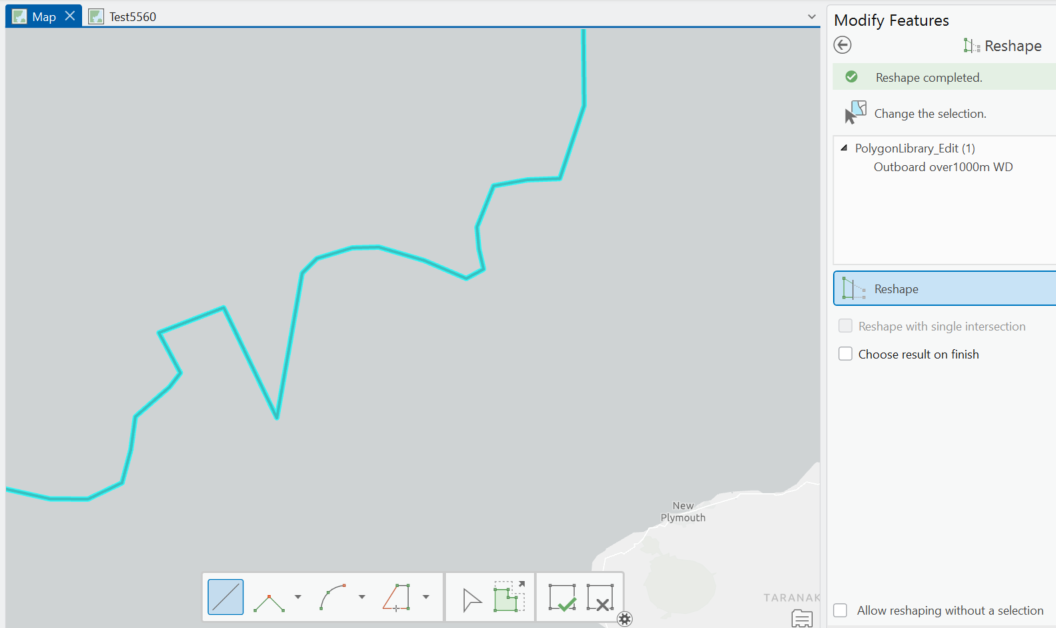
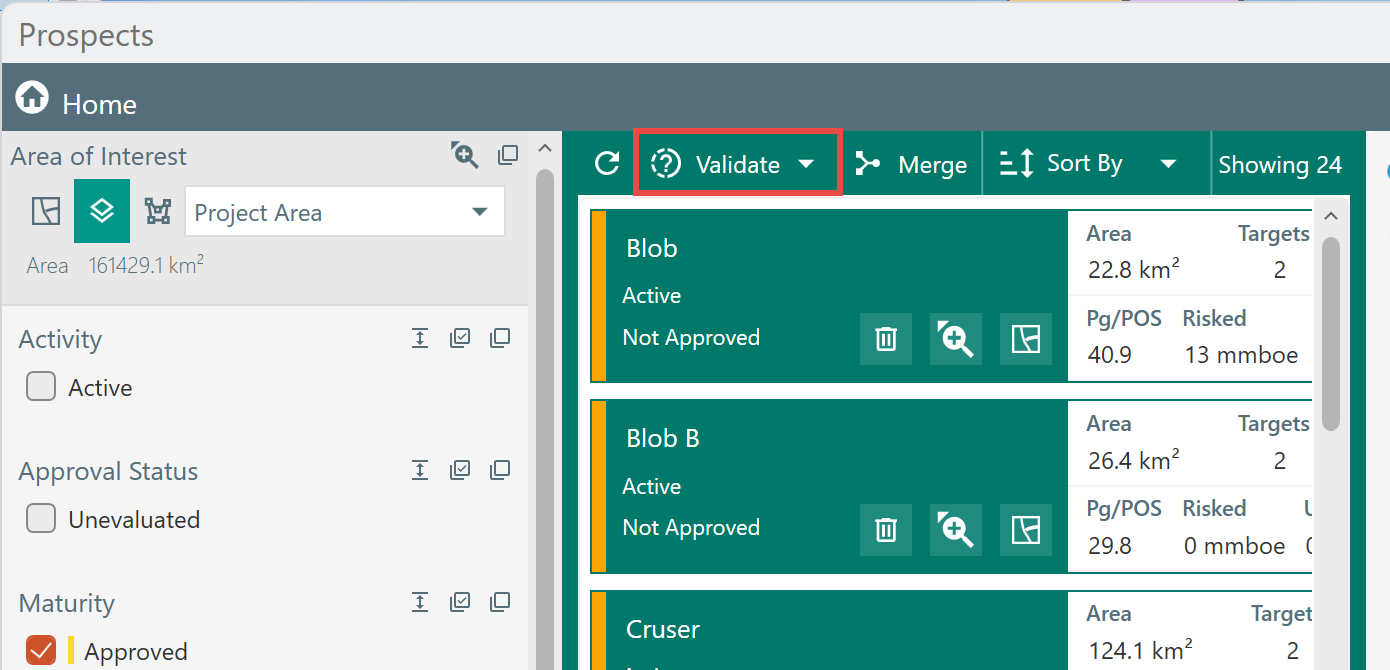
Save edits, then open the Prospects dialog and click Validate. This will update the Prospect Summary layer. Where a prospect has multiple targets, the Prospect Summary polygon will represent the combined extent of those targets.